Learning Studio / author
Organize projects and folders
Keep work discoverable without losing its course structure.
Organize your library
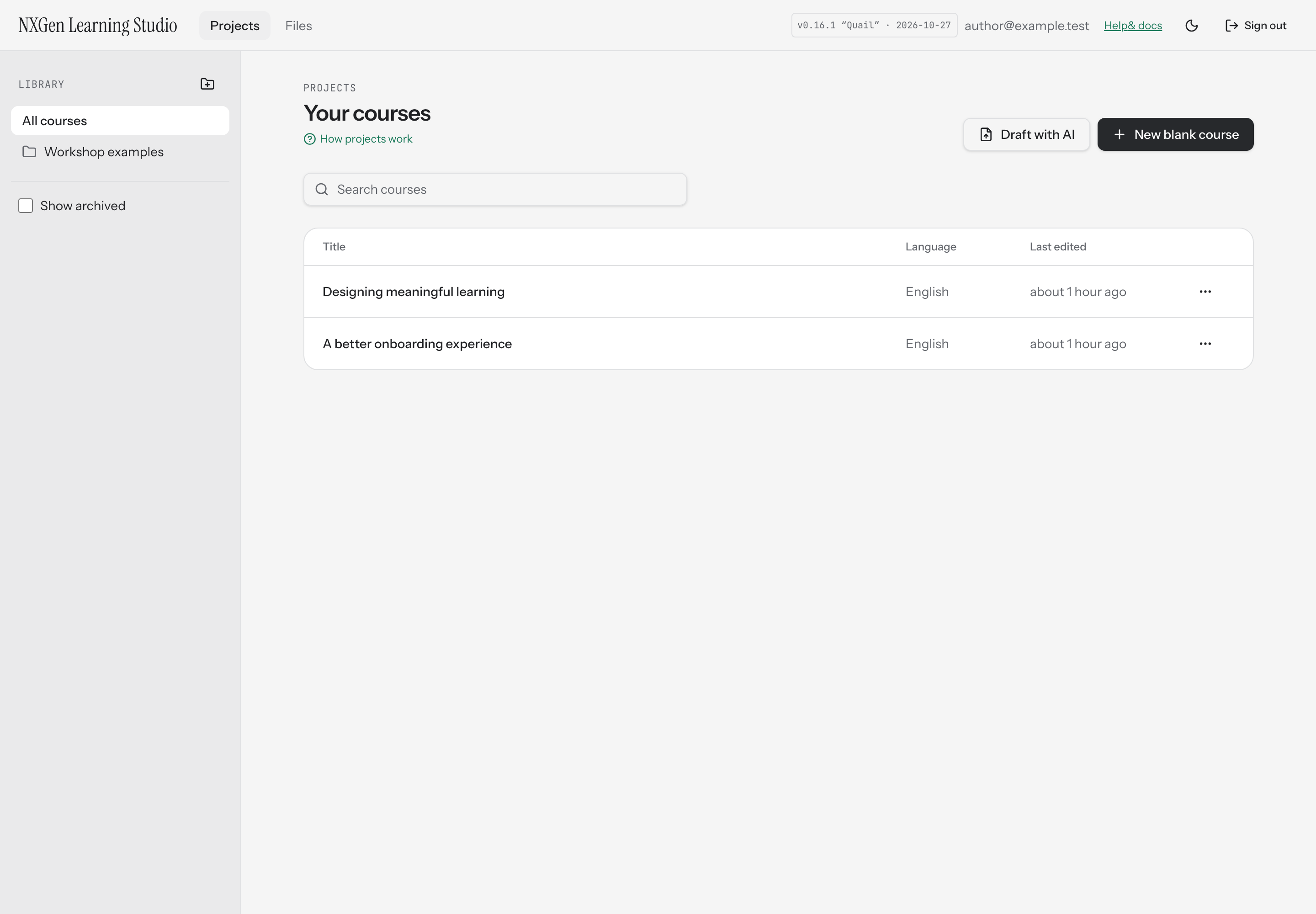
Section titled “Organize your library”Use the course action menu to rename, duplicate, archive, move, or delete a course. Folders group courses; moving a course changes its location in the library, not its content.
Prefer Archive when you want to hide work while keeping it. Duplicating creates a separate course; edits to the copy should not be treated as edits to the original.
The top navigation also includes Files, an account-wide resource library. Course organization and file reuse are separate: moving a course does not copy shared file bytes. See files and fonts.
Folders
Section titled “Folders”Create and rename folders to match your work. Deleting a folder moves its courses to the top level rather than deleting the courses.
Shared for review
Section titled “Shared for review”Courses another author shares with your account appear in Shared for review. That role allows feedback rather than authoring. See collaboration.
If a course cannot be found, confirm you are signed in to the intended account. A link does not grant permission by itself.