Learning Studio / learn
Explore the learner preview
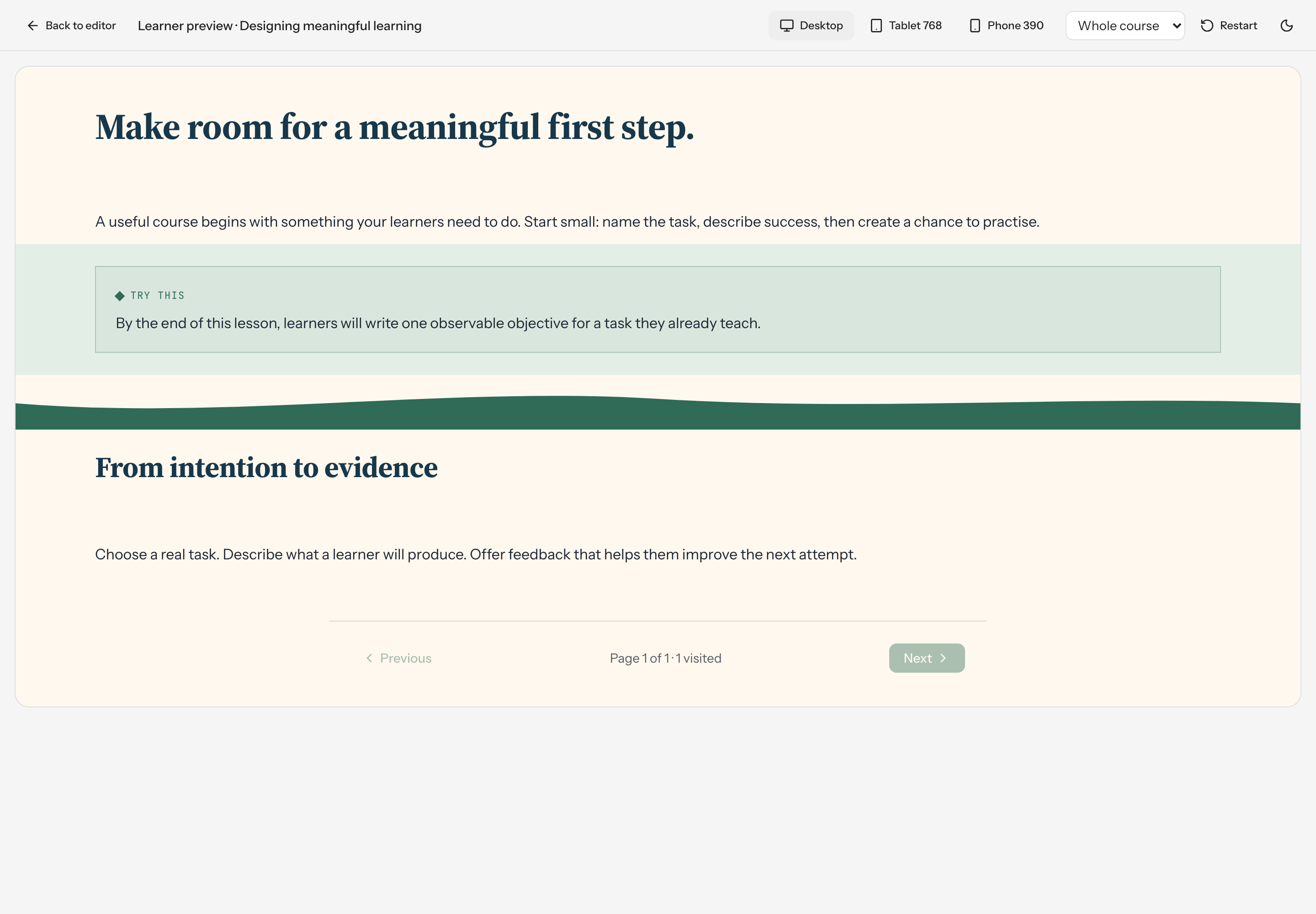
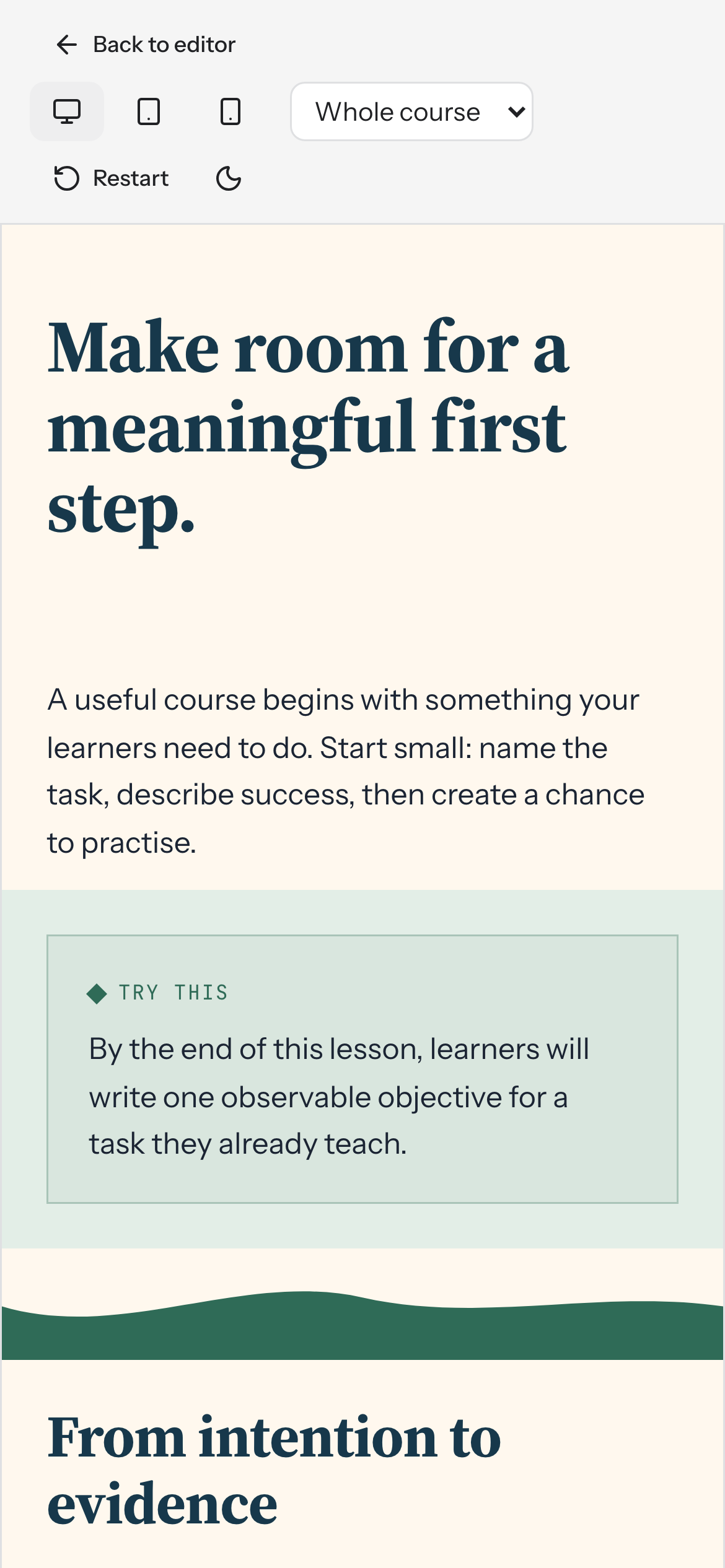
Check the experience in different device sizes before sharing for review.
Open Preview
Section titled “Open Preview”An author opens a course and chooses Preview. The preview route requires sign-in; it is not an anonymous public course URL.
Choose page or whole-course scope, and a desktop, tablet, or phone viewport. The page uses the same content rendering as the editor with editing disabled.
Progression
Section titled “Progression”Free navigation lets learners move between pages. Ordered navigation uses scored quizzes to gate later pages. Practice checks, checklists, widgets, decorative dividers, and presence flags do not gate progress.
Restart
Section titled “Restart”Restart resets supported learner progress for the course, including persisted quiz progress through the reset workflow. Use it intentionally when testing attempts and progression.
Read assessments before testing a scored quiz. Public publishing, enrollment, and LMS delivery are not available in this build.