Learning Studio / author
Reuse blocks and pages
Turn useful compositions into independent starting points.
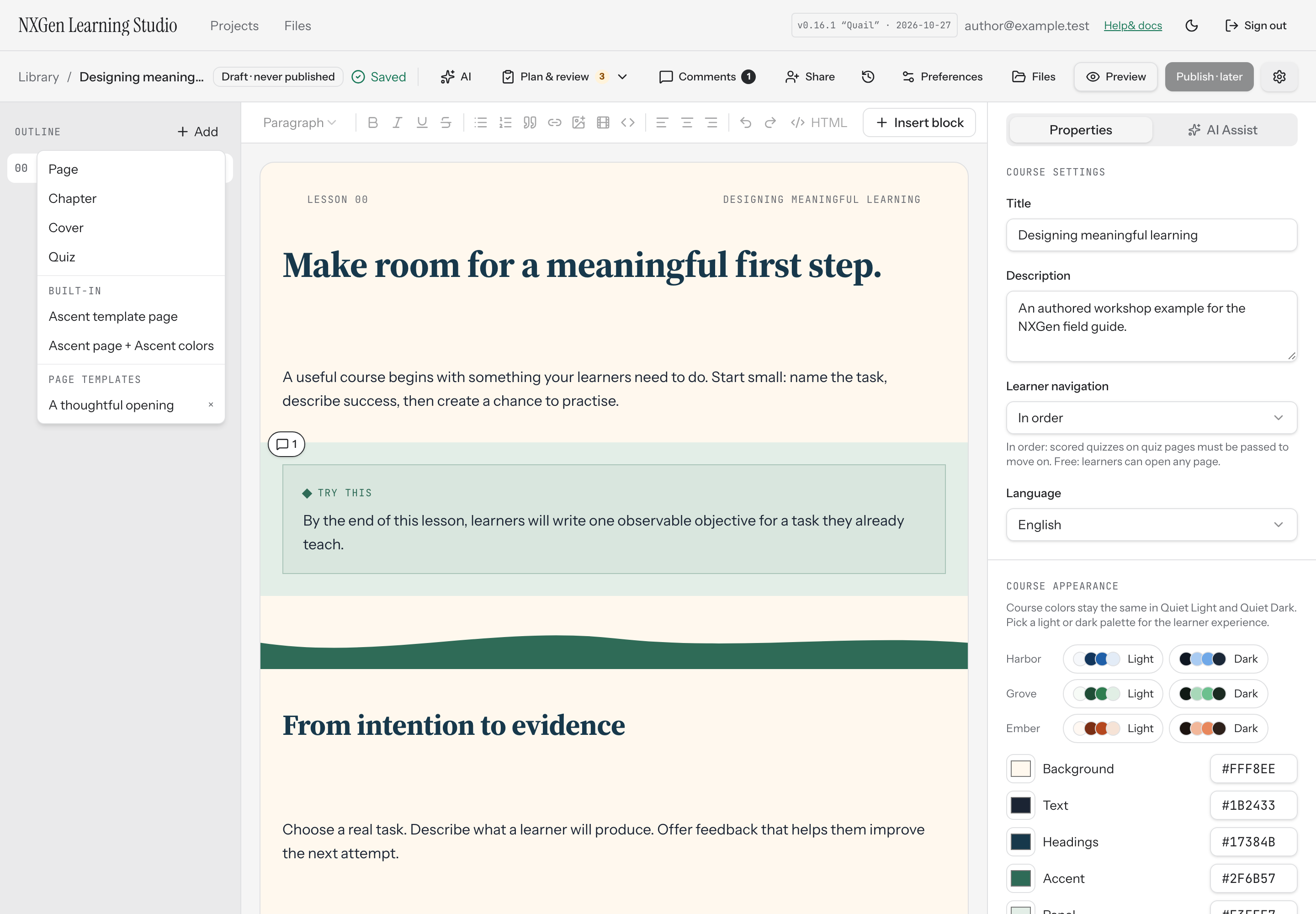
Save and insert
Section titled “Save and insert”Save a selected block or page as a template using its available actions. Give it a name that describes the intended use. Insert it from the appropriate template controls when building another part of your course.
Each insertion receives fresh IDs. Edit one copy and verify the other remains independent. A template is a starting point rather than a synchronized master component.
Built-in Ascent page
Section titled “Built-in Ascent page”The built-in Ascent composition provides editable layouts, dividers, and generic instructional content. Adapt it to your learners; it does not include proprietary reference-course media.
Before reusing
Section titled “Before reusing”Check objectives, feedback, resource access, mobile layout, and course-theme colors. Reusing structure does not establish that the content is accurate or aligned.