Learning Studio / features
Insert Aster Cover or Editorial starting pages
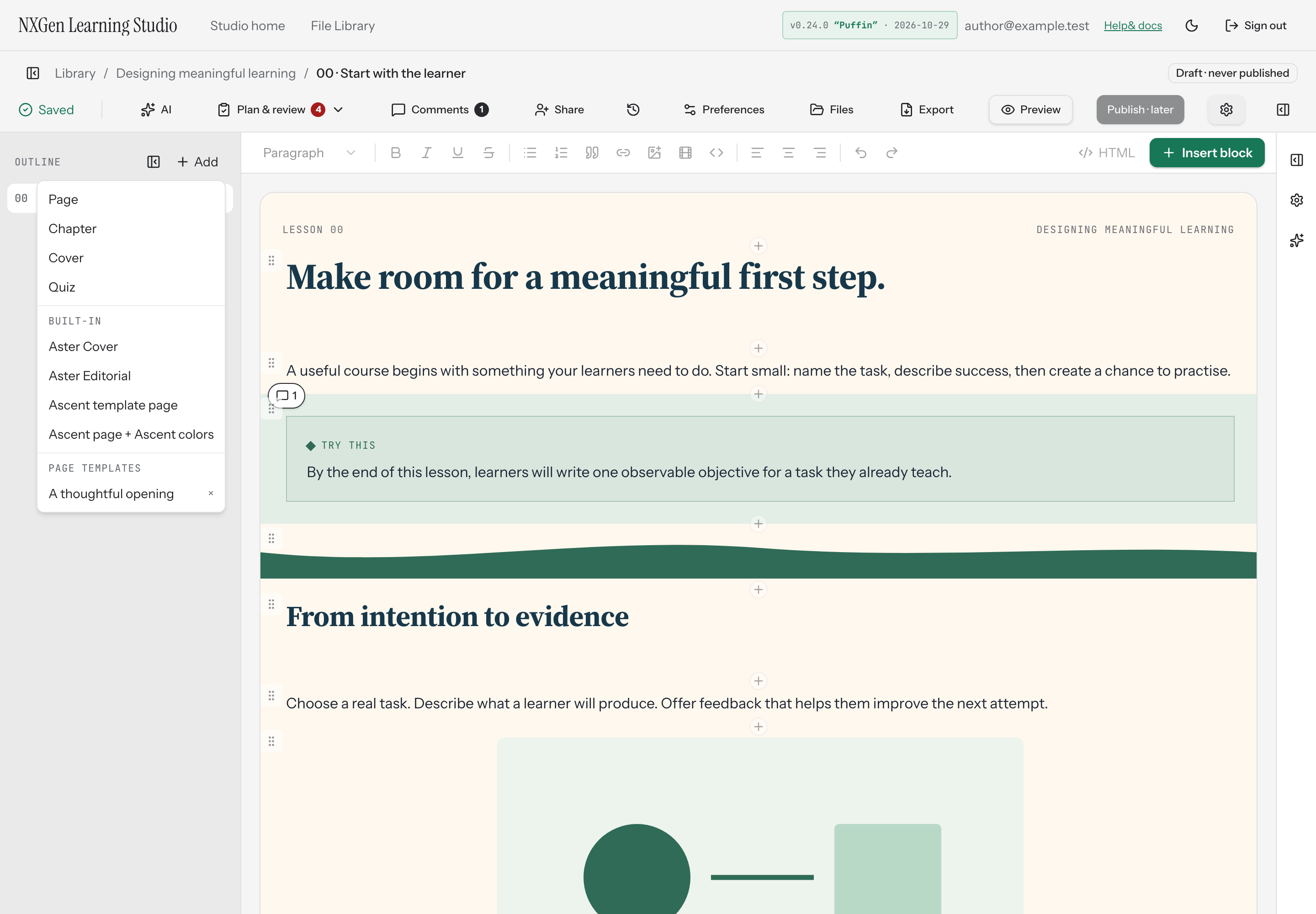
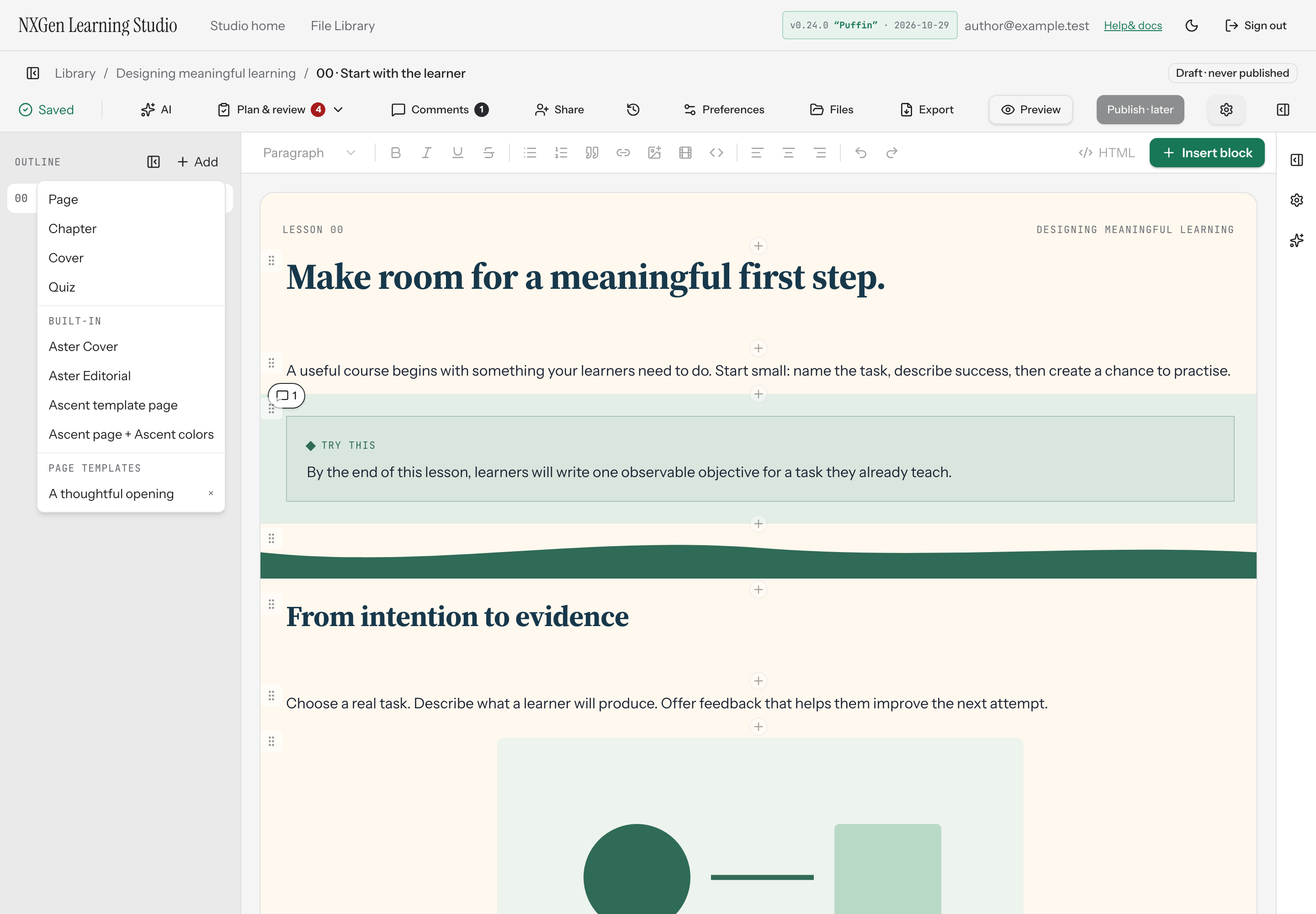
Add a prebuilt Aster starting page with stamped spacing, headings, callouts, and copy-prompt blocks that inherit your course palette and fonts.
Insert an Aster Cover or Editorial starting page
Section titled “Insert an Aster Cover or Editorial starting page”Aster template presets give you a prebuilt starting page with spacing, headings, callouts, and copy-prompt blocks already arranged. Inserting one creates a new section at the end of your outline with fresh IDs, so it’s safe to add to any course.
The page inherits your course’s palette and fonts — the template does not change your theme. Its layout is stamped into ordinary editable blocks, which means you can revise the text and spacing freely after inserting.
How to use it
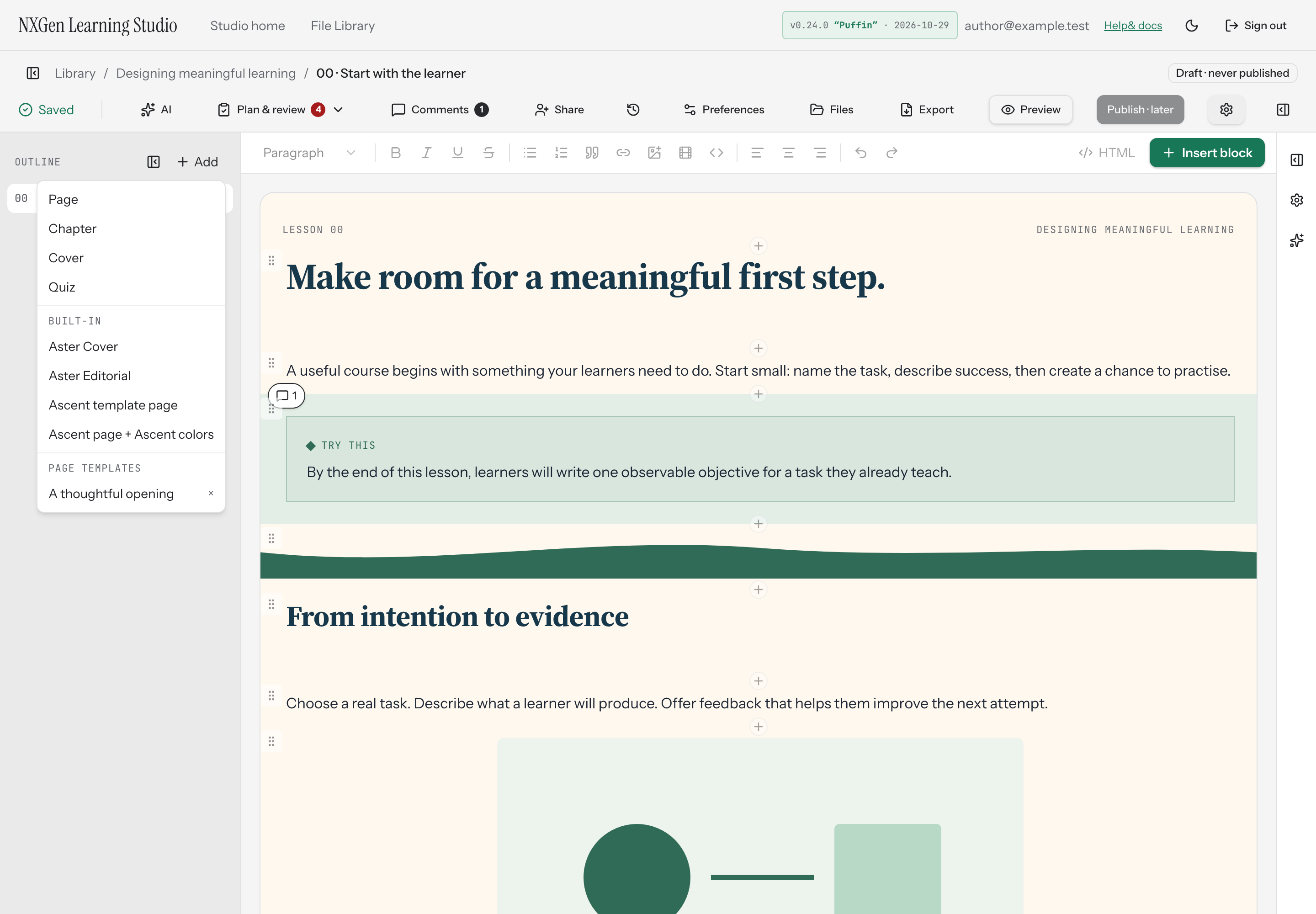
Section titled “How to use it”- Open the Outline panel in the Studio editor.
- Select Add at the top of the outline.
- Under Built-in, choose Aster Cover or Aster Editorial.
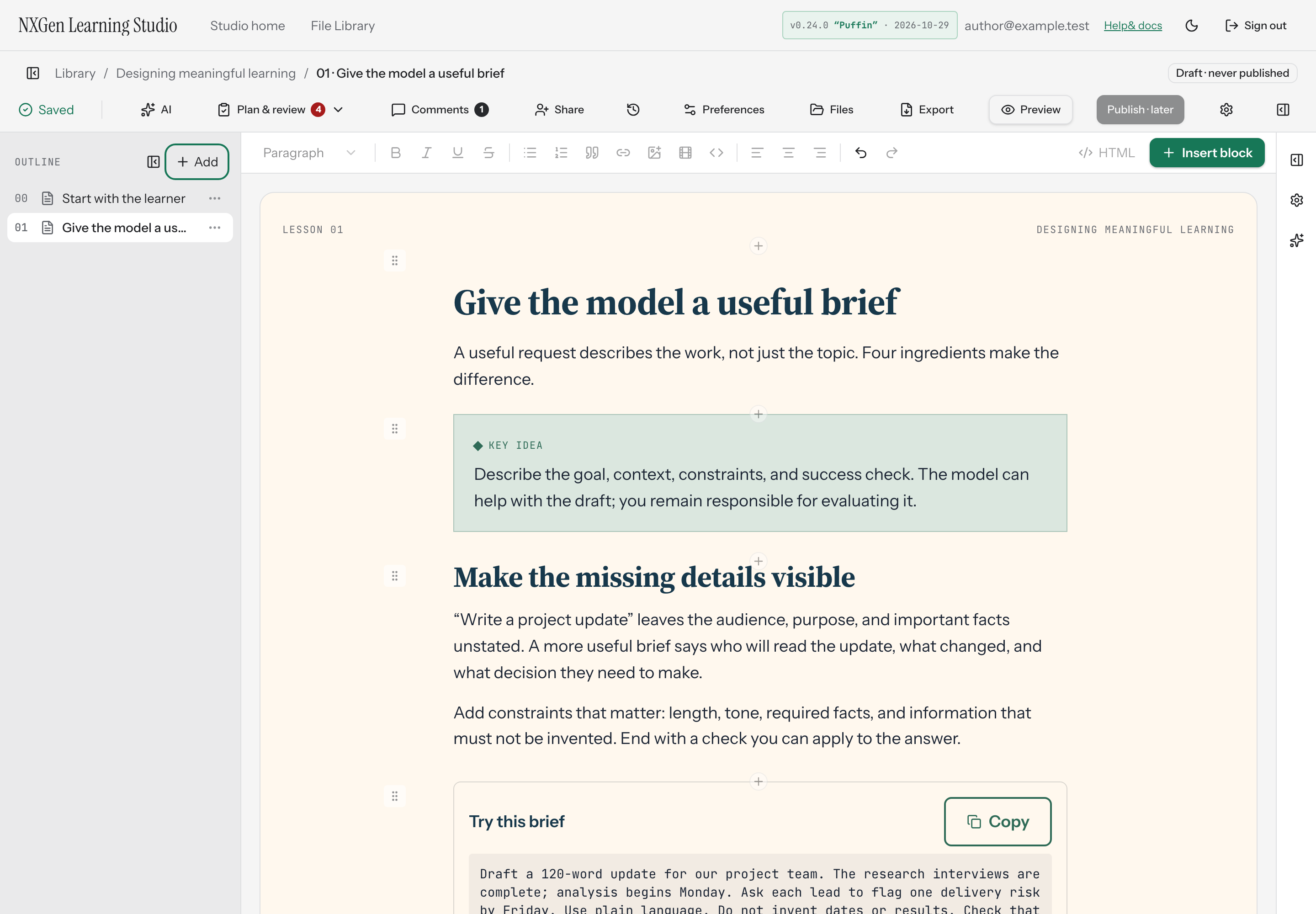
The new page appears at the end of your outline and opens immediately. You can then drag it to a different position, rename it, or edit any block it contains.
Availability and limits
Section titled “Availability and limits”Aster presets produce two page types: Aster Cover creates a cover section, and Aster Editorial creates a standard page. Both are composed of ordinary blocks — text, callouts, and copy-prompt — so they follow the same editing, styling, and review rules as any page you build manually.
The preset stamps its spacing and layout into the blocks at insert time. It does not introduce live inheritance, layout protection, or a course theme change. Each insert gets fresh IDs, so you can add the same preset to multiple courses or the same course without conflicts.