Learning Studio / features
Navigate course pages in review mode
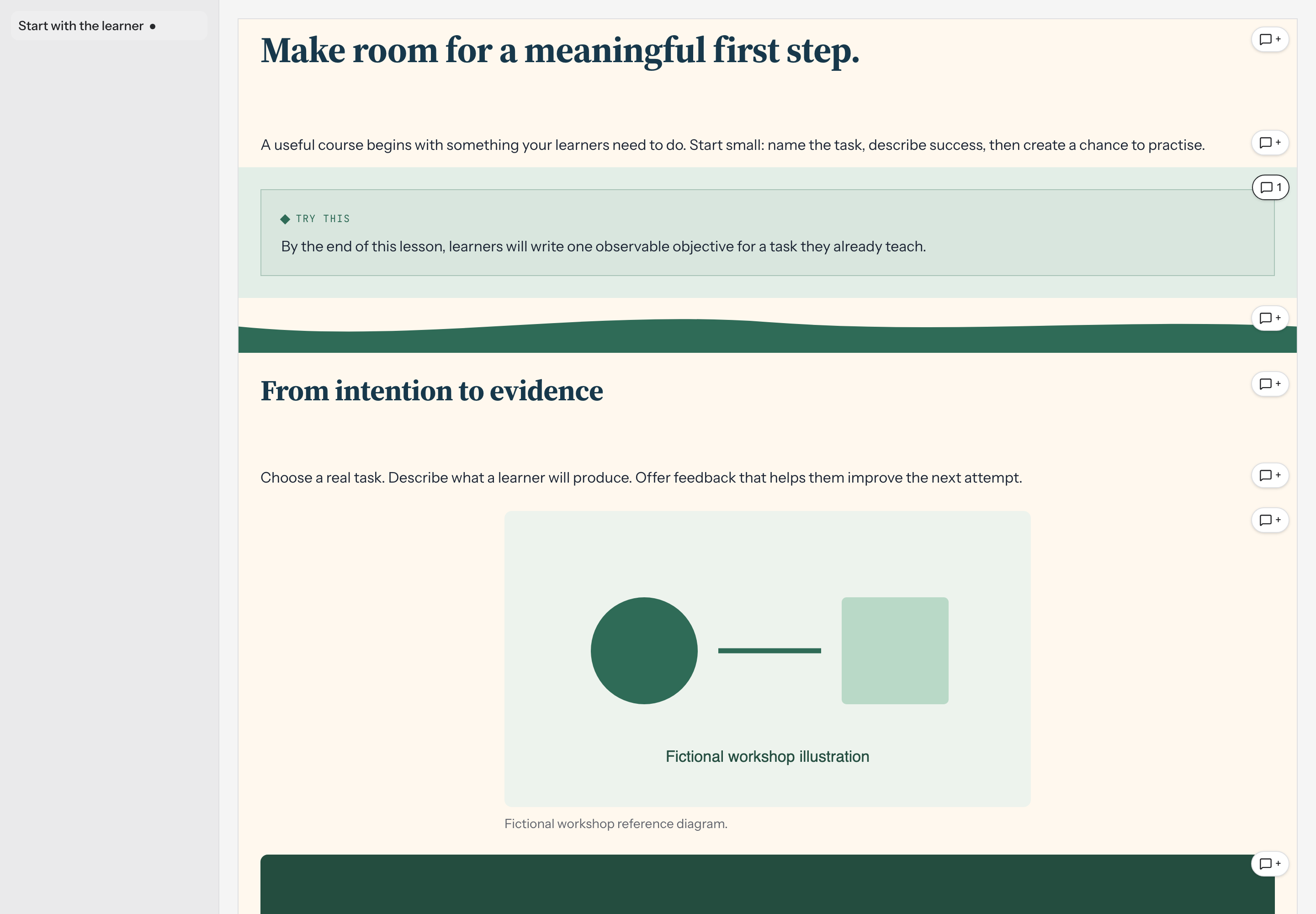
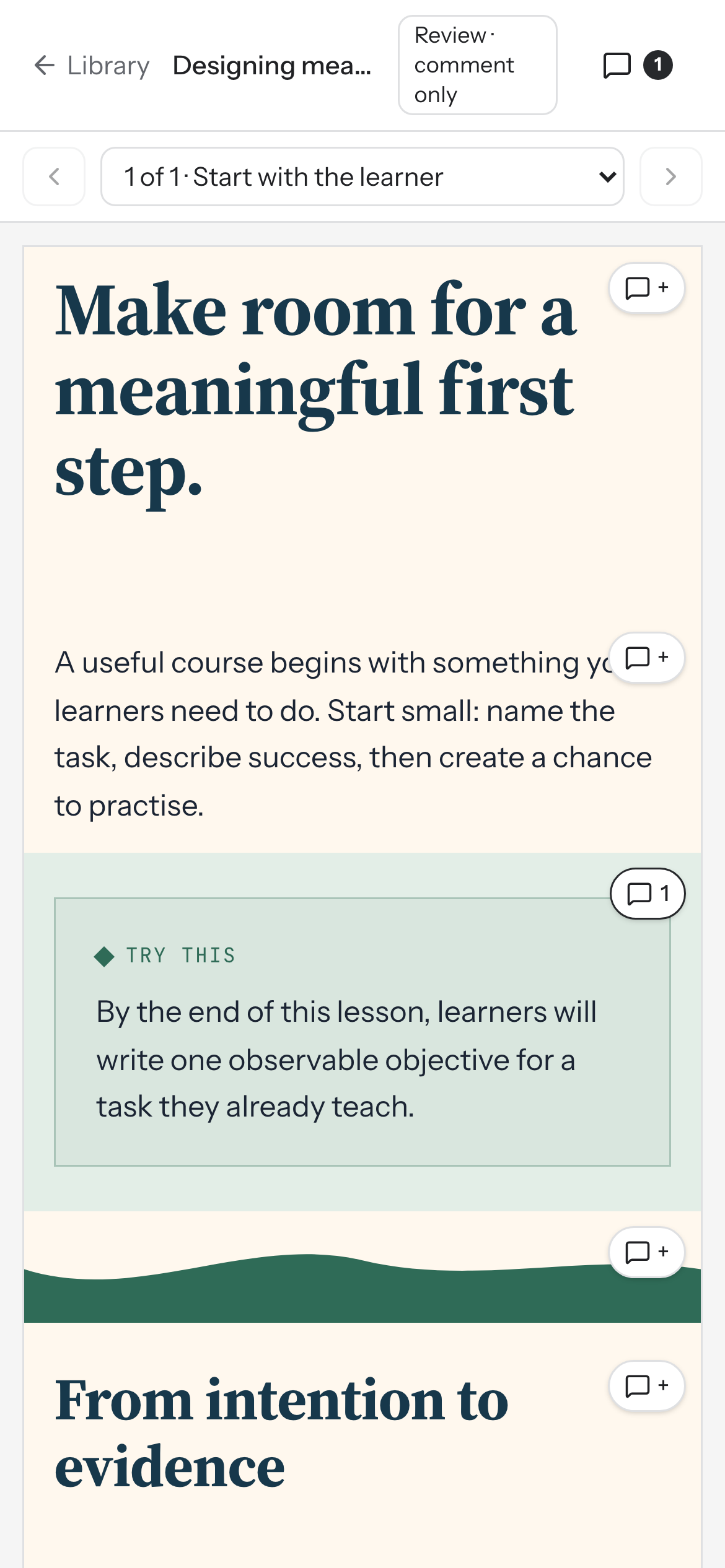
Browse shared course pages via sidebar (desktop) or prev/next buttons and page selector (mobile) to review content.
Move between pages while reviewing a course
Section titled “Move between pages while reviewing a course”When a course is shared with you for review, you can browse its visible pages and leave comments on individual elements. Chapter headings and hidden pages are excluded from the review list.
How to use it
Section titled “How to use it”On desktop, a Pages sidebar lists every visible page. Select a page title to open it. The current page is highlighted, and pages with open comments show a small indicator dot.
On mobile, the sidebar is replaced by a page selector with previous and next buttons:
- Use the dropdown labeled Choose page to review to jump to any page.
- Use the chevron buttons to move to the previous or next page.
As you move between pages, the view scrolls back to the top so you can read from the beginning.
Availability and limits
Section titled “Availability and limits”Review mode is comment-only. Reviewers can view the course and leave feedback on elements but cannot edit content. If a course hasn’t been shared with you or has been deleted, it won’t appear for review.