Learning Studio / features
Duplicate a course with remapped IDs
Clone an entire course, remapping all internal IDs and private media/resource references, producing a validated ordinary (non-sample) course copy.
Clone an entire course with remapped internal IDs
Section titled “Clone an entire course with remapped internal IDs”Duplicate a course to start a new project from existing content. The duplicate gets a fresh title, and every internal ID — sections, blocks, quiz questions, options, and resource references — is remapped so the copy stands on its own. Private media files are copied to new storage paths, and the result is validated before it appears in your library.
A copy of a sample course becomes an ordinary course: its shell is no longer locked, and it can be archived or deleted like any course you create.
How to use it
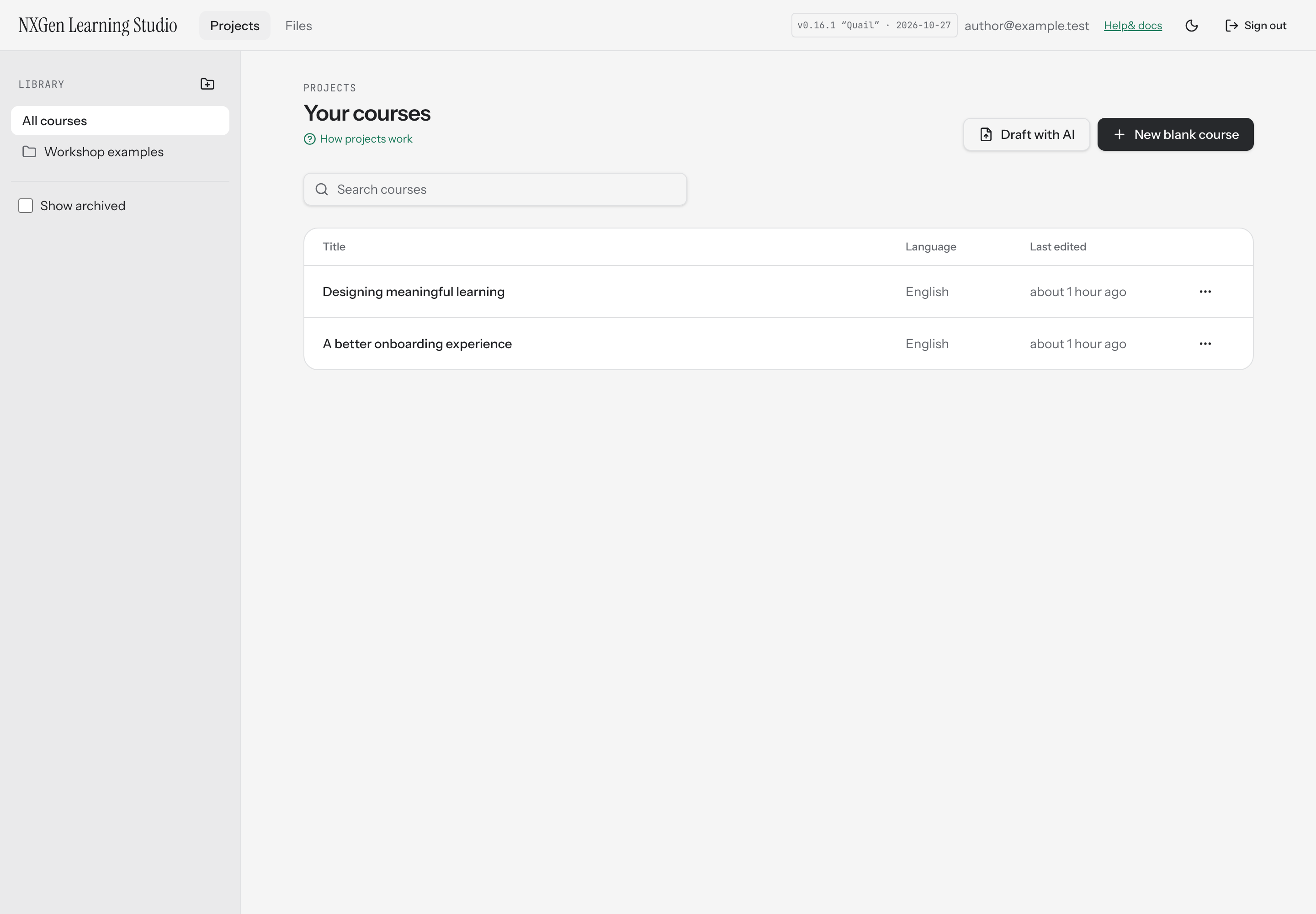
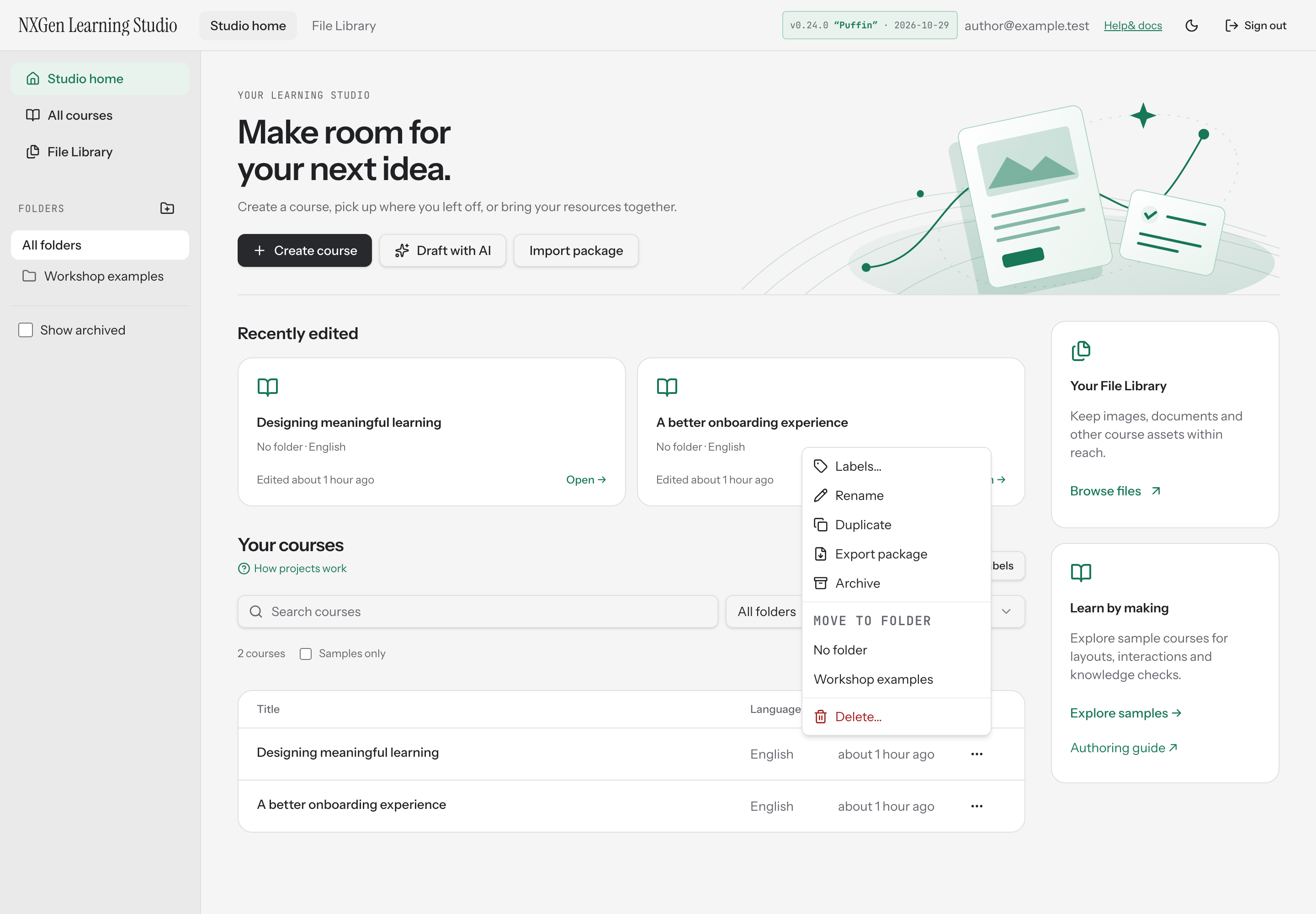
Section titled “How to use it”- Open Studio home and find the course you want to copy.
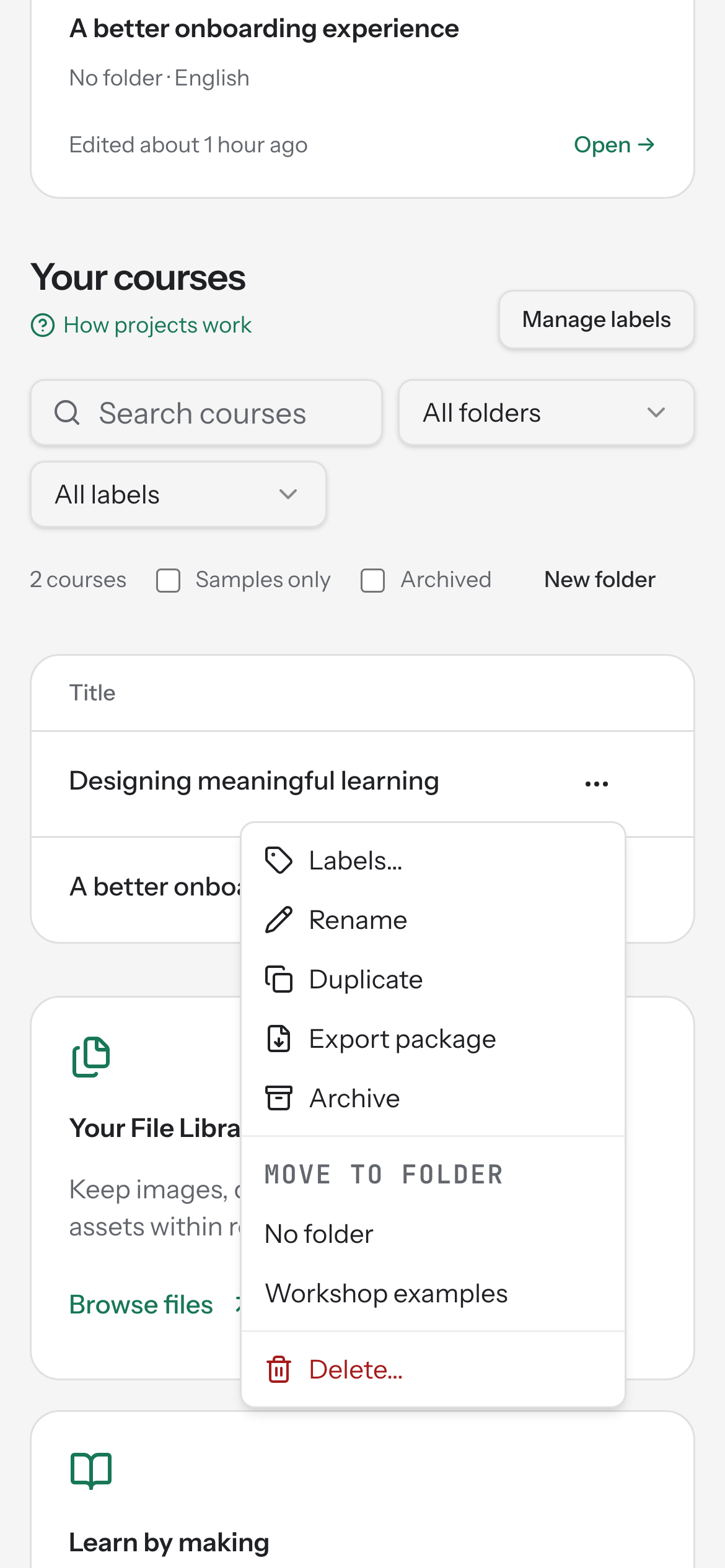
- Open the course’s actions menu (the ⋯ button) and choose Duplicate.
- The duplicate appears in your course list with “(copy)” appended to the original title. Rename it from the same menu if you’d like.
If a private file referenced by the source course is missing, duplication stops and tells you to repair the source course before trying again. This prevents creating a copy with broken media links.
Availability and limits
Section titled “Availability and limits”Duplication copies the entire course content and all referenced private media files. The new course is created in the same folder as the source. If the source course references a private file that can’t be found, the operation fails — repair the source course first, then duplicate again.