Learning Studio / features
Insert starter patterns onto a page
Add ready-made block arrangements to a page and adapt them for your own content.
Insert a starter pattern
Section titled “Insert a starter pattern”Starter patterns are ready-made block arrangements you can drop into a page and then adapt for your own content. Inserted blocks are fully editable and not locked to the pattern, so you can change any text, media, or properties after inserting.
In the page editor, use the Insert block control on the canvas toolbar or between existing blocks. Choose Browse patterns & layouts to open the larger gallery. Search by name or description, inspect the structural SVG previews, and select a card to insert its blocks at that position. The preview shows the arrangement; the inserted content uses your course appearance.
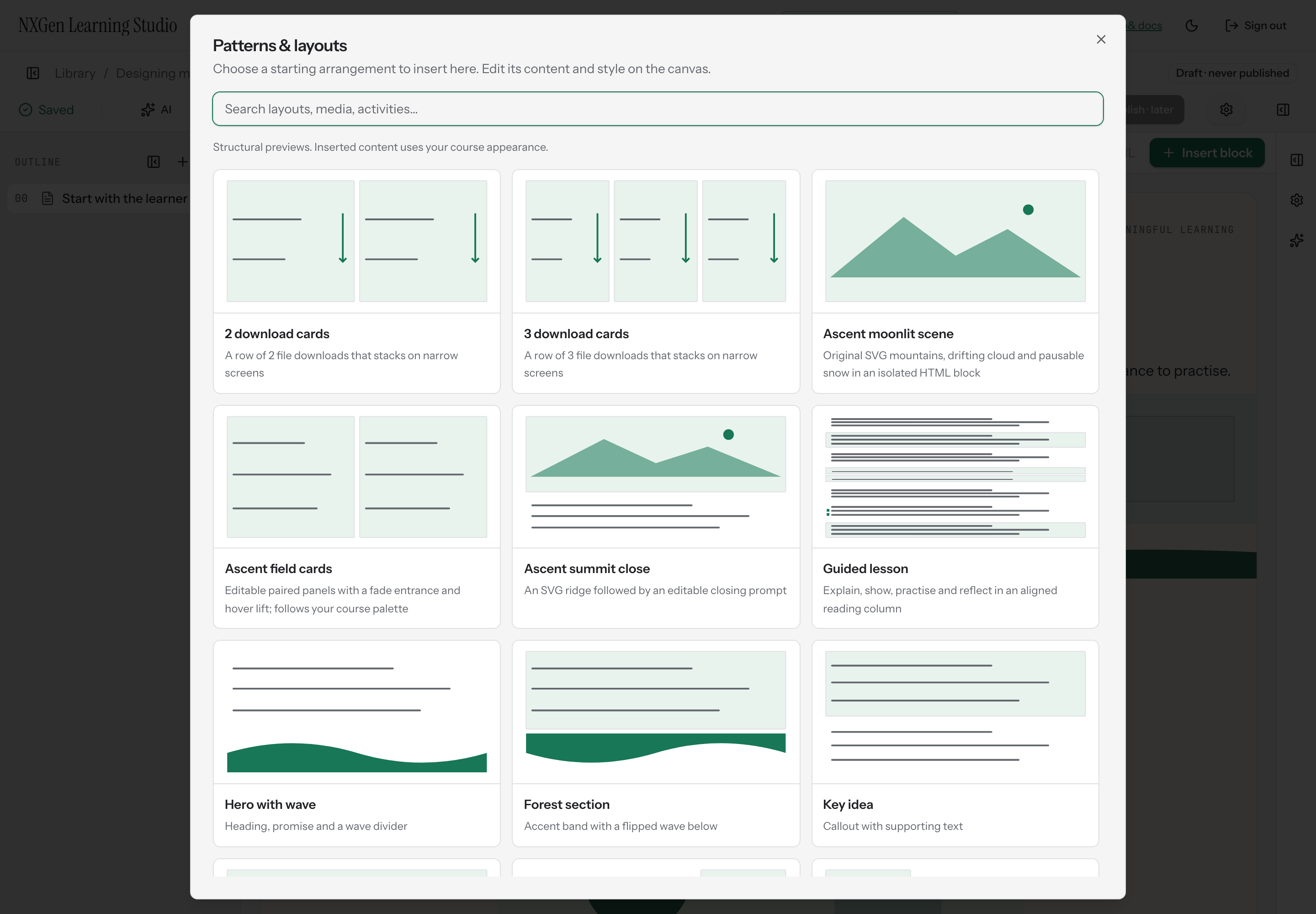
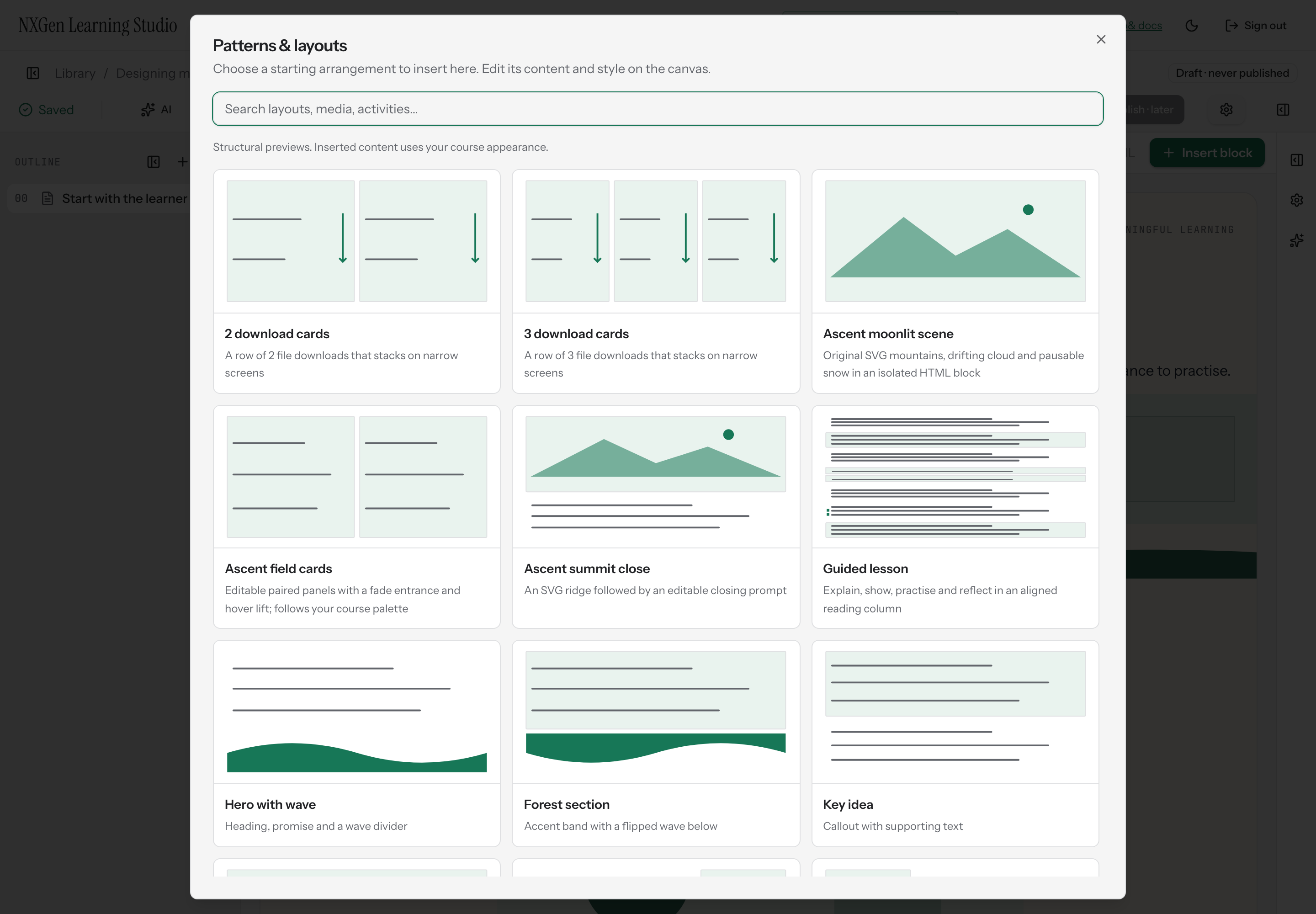
Ascent adds Ascent moonlit scene, Ascent field cards, and Ascent summit close patterns. These combine editable native blocks and isolated HTML/SVG scenes; they do not import an external website.
The 2 download cards and 3 download cards layouts place file blocks in a responsive row; choose each file after insertion. Patterns also include guided lesson, hero with wave, section dividers, callouts, images, columns, quotes, checklists, quizzes, objectives, and video intros.
How to use it
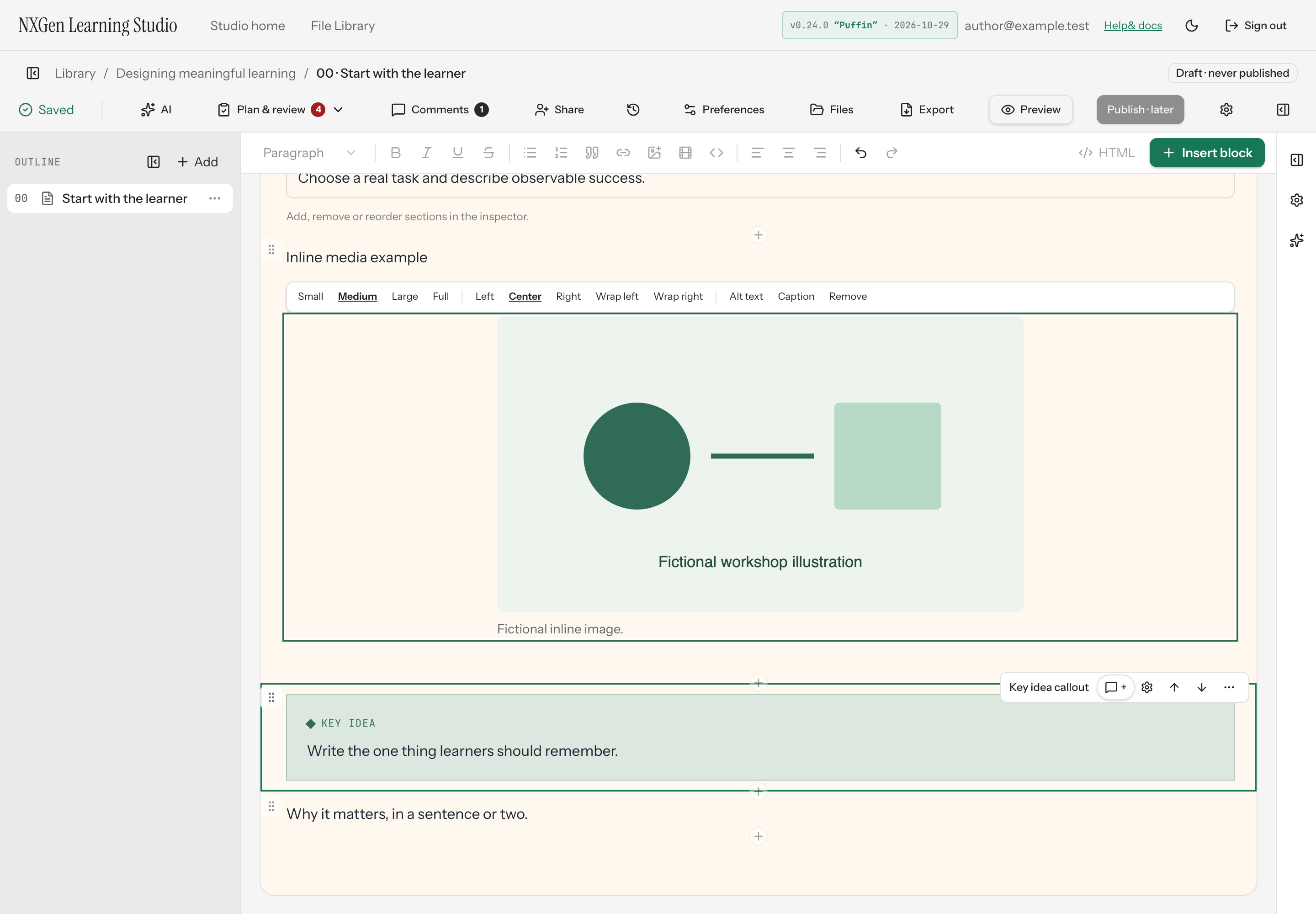
Section titled “How to use it”Once a pattern is inserted, its blocks behave like any blocks you added yourself. Select any block to edit its text, swap media, or adjust properties. Reorder, duplicate, or delete blocks the same way you would with manually added content.
Patterns are starting points, not finished sections. Review the placeholder text and examples for accuracy and fit before sharing your course.
Availability and limits
Section titled “Availability and limits”Patterns are available from the insert menu in the page editor. The set of patterns is fixed; you cannot create custom patterns. Blocks inserted from a pattern count toward the same structural limits as any other blocks, including maximum nesting depth.